RFID Reader Types Explained: Handheld, Desktop and Bracelet Readers
RFID technology is helping jewellery retailers, manufacturers and diamond businesses count inventory faster, improve stock accuracy and maintain better visibility across locations.
However, an RFID system is not based on one type of reader. Different operations require different ways of scanning jewellery, diamond packets and other tagged assets.
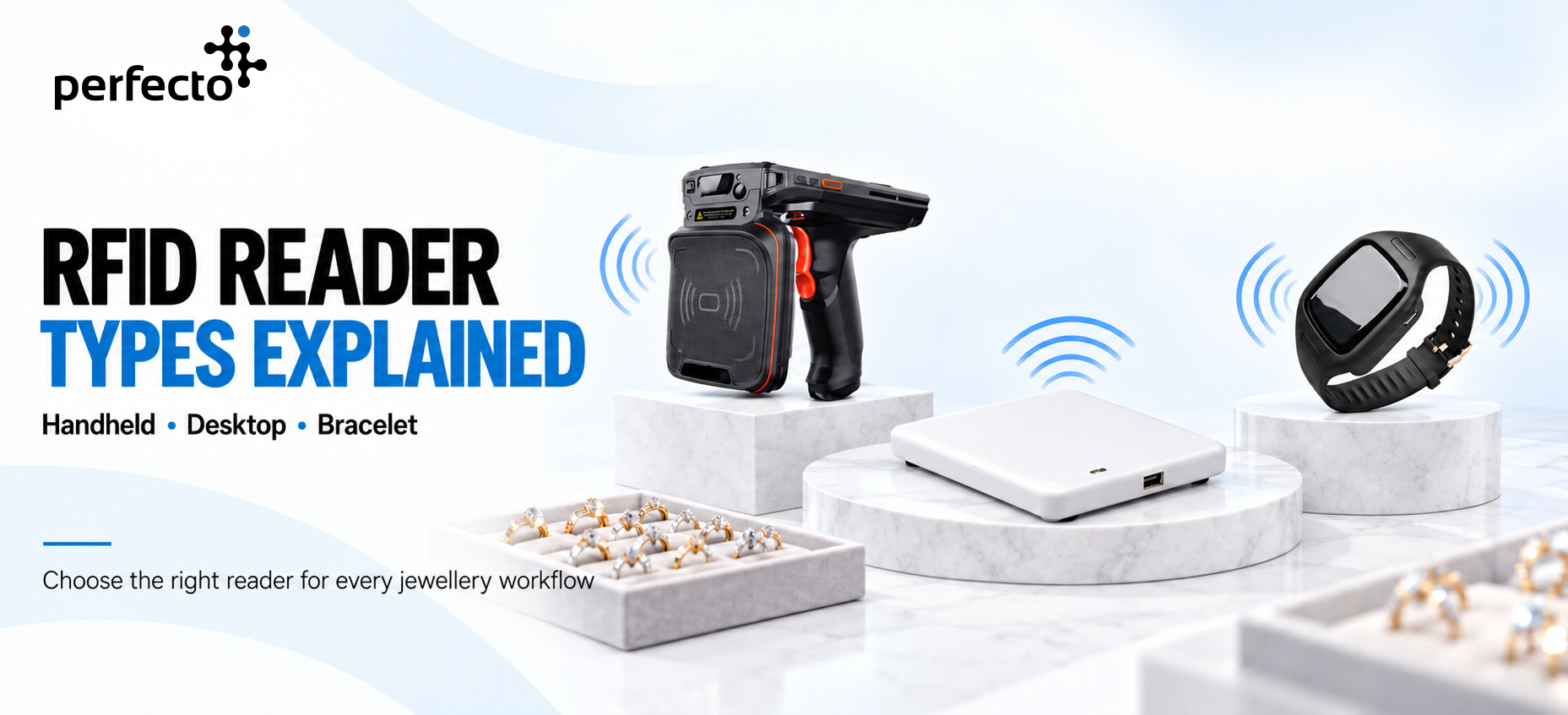
A handheld reader may be suitable for showroom stock counts, while a desktop reader may be better for billing and verification at a counter. A wearable bracelet reader supports close-range scanning while allowing employees to handle products efficiently.
Understanding these reader types can help businesses select the right hardware for their daily workflow.
What Is an RFID Reader?
An RFID reader communicates with RFID tags using radio waves. Each tag contains a unique identification number linked to the corresponding product record in the inventory or ERP system.
When the reader detects a tag, the connected software can display information such as:
- Product or SKU number
- Jewellery category
- Metal type and purity
- Gross and net weight
- Diamond or gemstone details
- Current location
- Inventory status
- Batch, lot or certificate number
Unlike barcode systems, UHF RFID readers can identify tagged products without requiring employees to scan each barcode individually.
The appropriate reading distance, scanning speed and device format depend on the particular reader, RFID tag, environment and operating process.
1. Handheld RFID Readers
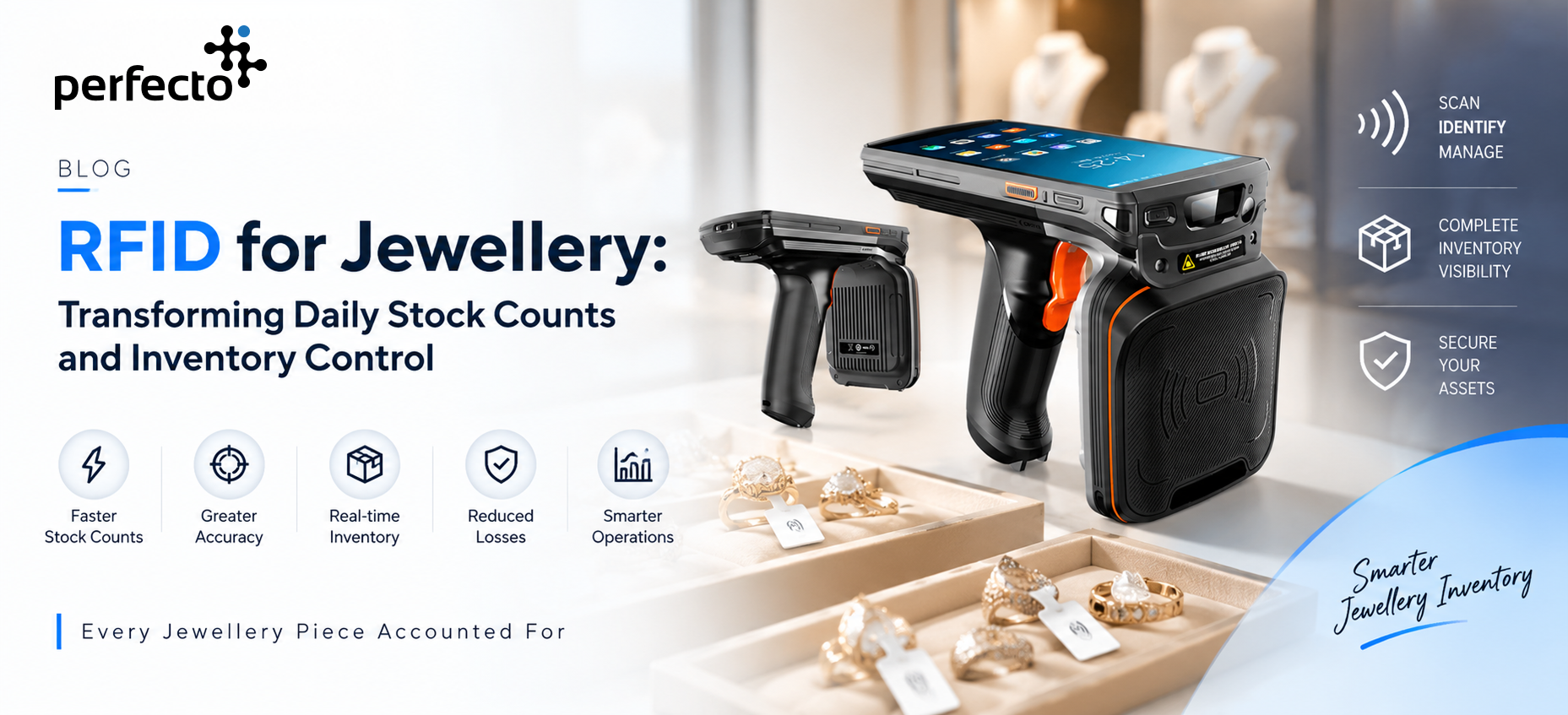
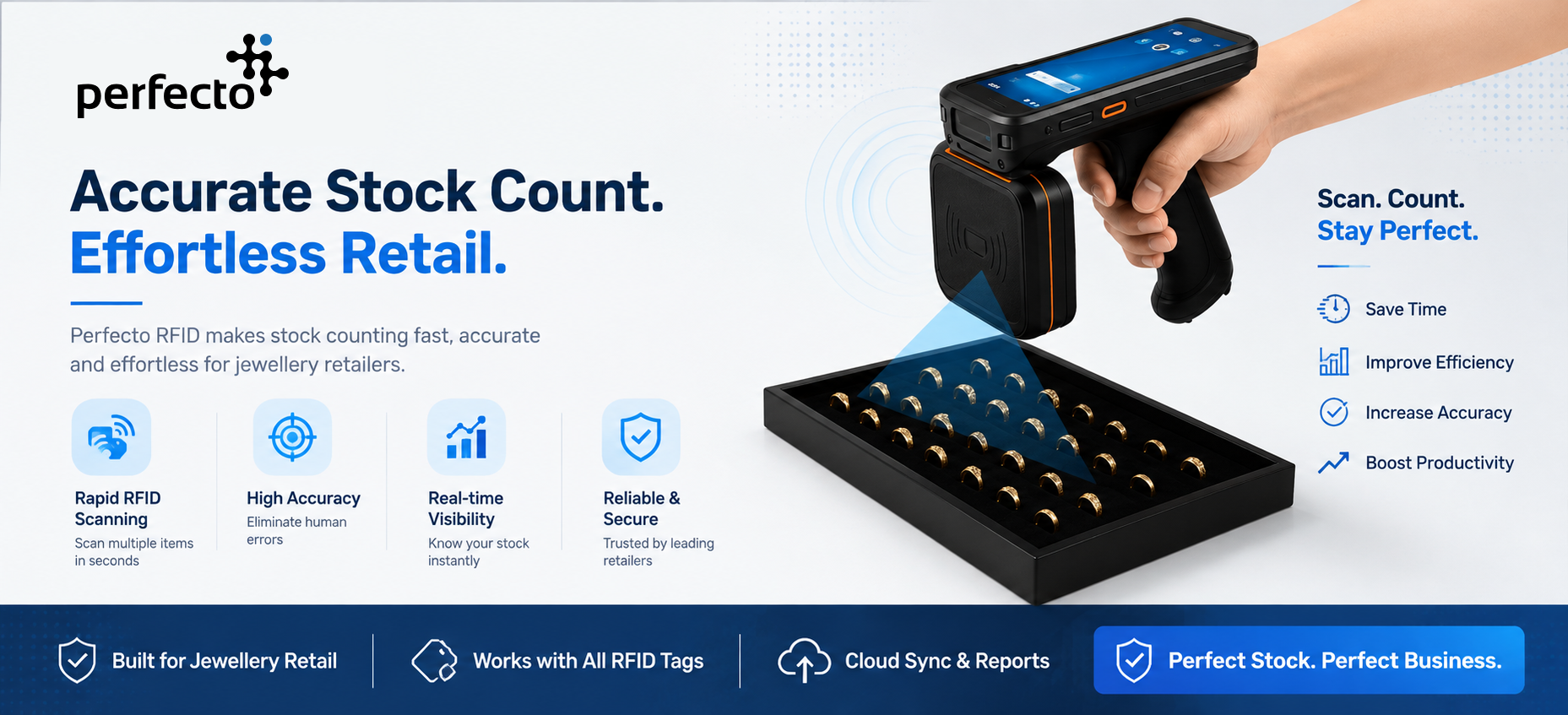
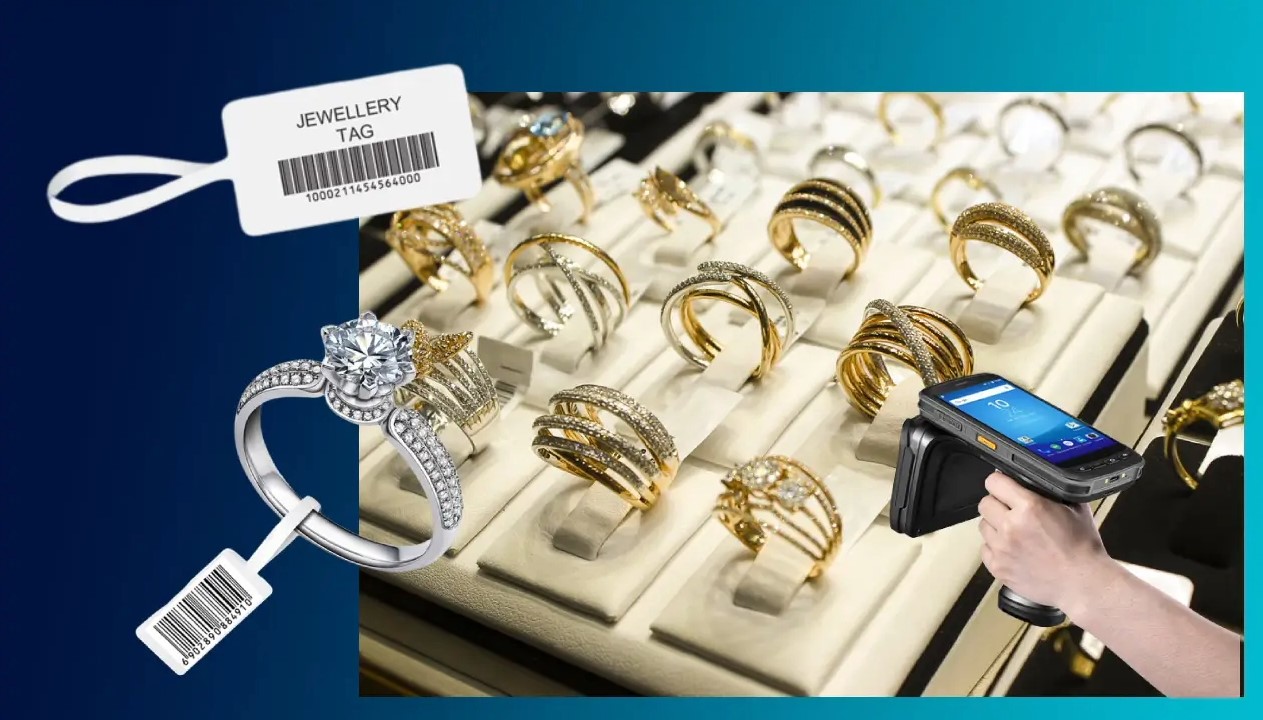
A handheld RFID reader is a portable device designed for scanning tagged inventory across showrooms, vaults, warehouses and manufacturing departments.
Employees can carry the reader through the premises and scan multiple RFID-tagged items within its operating range. This makes handheld readers particularly useful for frequent stock counts and physical inventory verification.
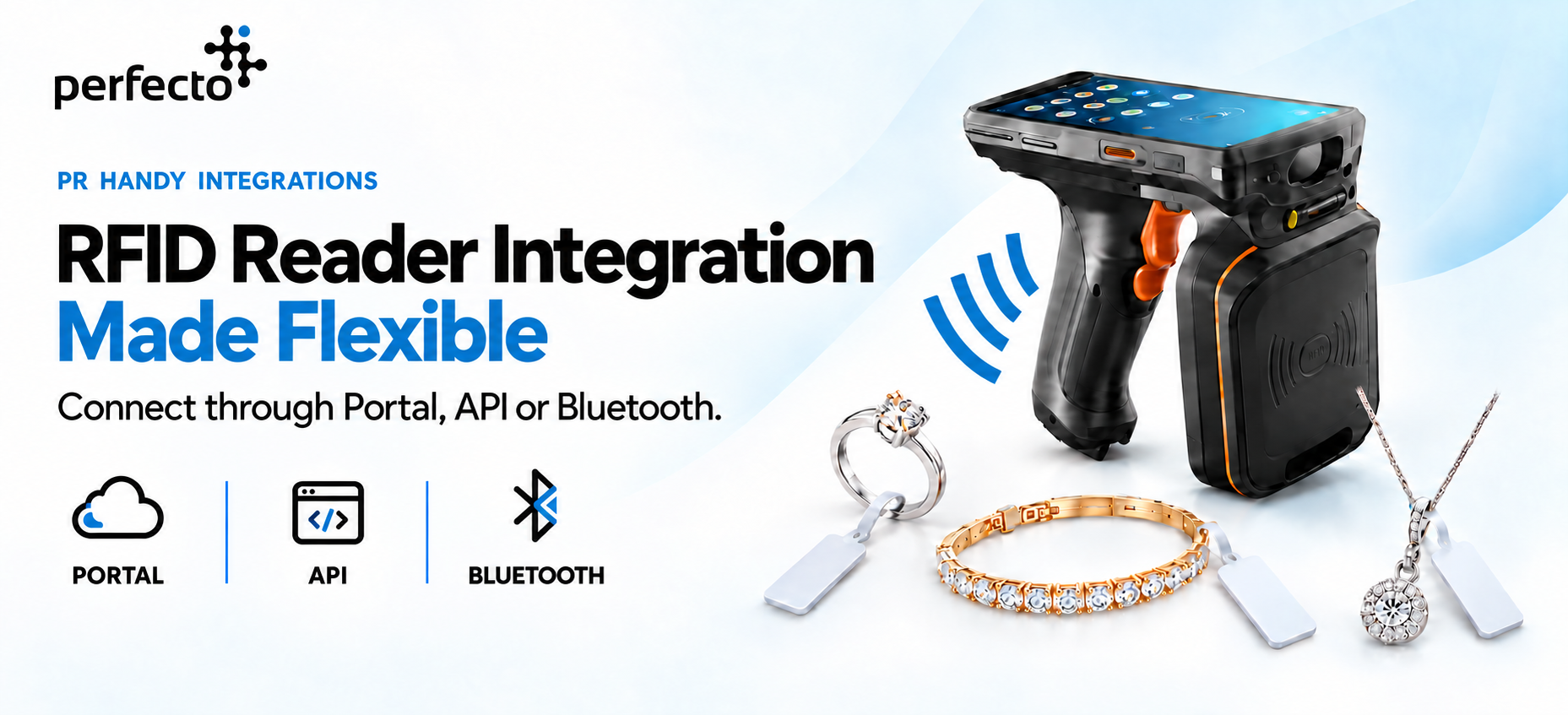
Perfecto’s PR Handy is an Android-based UHF RFID handheld reader designed for bulk tag reading and mobile inventory operations. It can work through the Perfecto Client Hub, connect directly with client APIs or transmit tag data to compatible desktop software through an integration workflow.
Common Applications
- Daily jewellery stock counting
- Showroom and counter-wise audits
- Vault and safe verification
- Warehouse cycle counting
- Searching for missing items
- Inventory reconciliation
- Location-to-location stock verification
- Exhibition and event inventory control
Main Advantages
- Portable and suitable for different locations
- Capable of reading multiple tags quickly
- Useful for large stock counts
- Can display results directly on the device
- Supports guided inventory workflows
- Reduces dependence on individual barcode scanning
Important Considerations
Handheld readers provide a wider reading area than close-range readers. The software and operator should therefore control which section, tray or counter is being scanned.
Reader power, distance and tag placement must be tested carefully, particularly around metal showcases, safes and densely packed jewellery.
Best Suited For
Handheld RFID readers are suitable for businesses that need mobility, fast bulk counting and the ability to conduct audits across multiple departments or locations.
2. Desktop or Countertop RFID Readers
A desktop RFID reader is placed at a counter, workstation, billing desk or packing area. Jewellery or tagged products are placed within its controlled reading zone for identification.
Perfecto’s desktop RFID reader is designed for countertop scanning and can connect with compatible inventory, POS or ERP software.
Because a desktop reader operates within a controlled area, it can be useful when employees need to verify selected products instead of scanning an entire showroom.
Common Applications
- Billing-counter product identification
- Tray-level jewellery verification
- Stock inward and outward processes
- Jewellery issue and return
- Packing and dispatch validation
- Product registration
- Counter-to-counter transfers
- Customer approval or memo transactions
Main Advantages
- Provides a controlled scanning area
- Suitable for counter-based transactions
- Easy to connect with compatible software
- Reduces manual entry during inward and outward processes
- Helps confirm that the correct products are being processed
- Fits naturally into existing sales and operational workflows
Important Considerations
The reader’s placement should prevent it from unintentionally detecting nearby tagged products. The counter layout, reader power and surrounding materials must be configured for the intended reading zone.
A desktop reader is generally not intended to replace a handheld device for full-store stock counts. It is best used for controlled product verification at a specific workstation.
Best Suited For
Desktop RFID readers are ideal for retail counters, packing desks, stock-transfer stations and operational points where employees handle a defined set of products.
3. Bracelet or Wearable RFID Readers
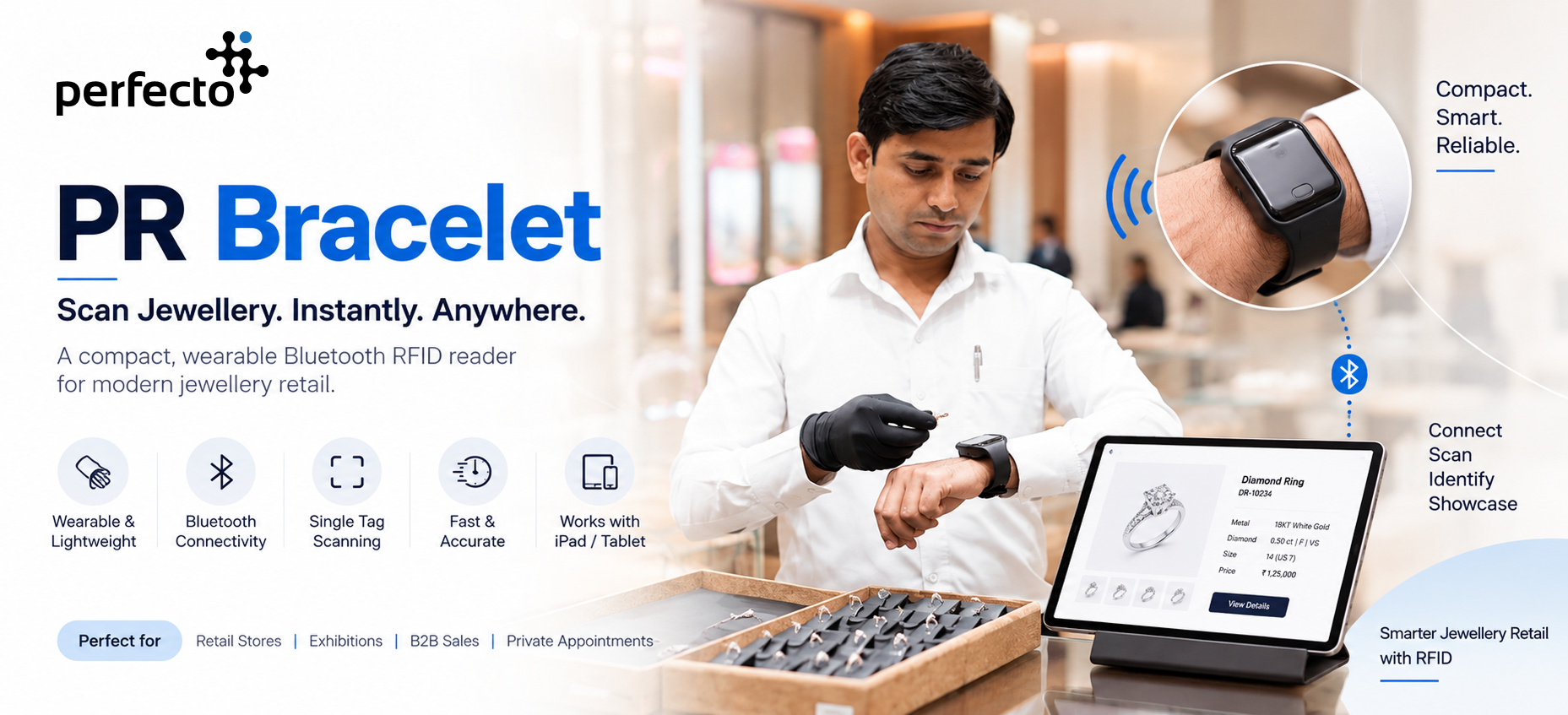
A bracelet RFID reader is a compact wearable device designed for close-range or single-item scanning.
Perfecto’s PR Bracelet is a Bluetooth-enabled UHF RFID reader that can communicate with compatible Windows, Android and iOS devices. It is designed for close-range single-tag scanning and can be useful when employees need to keep their hands available while handling products.
Instead of carrying a large handheld device, the employee can wear the reader and scan individual tagged items as part of the normal workflow.
Common Applications
- Jewellery picking and sorting
- Diamond packet identification
- Manufacturing process updates
- Product issue and return
- Tray preparation
- Quality-control verification
- Packing and order fulfilment
- Sales-counter product selection
Main Advantages
- Lightweight and wearable
- Keeps the employee’s hands available
- Suitable for close-range item identification
- Helps reduce accidental scanning of distant tags
- Can connect with mobile or desktop applications
- Useful for repetitive operational processes
Important Considerations
A bracelet reader is generally designed for controlled, close-range scanning rather than large-area bulk inventory counts.
The business must also consider battery life, device charging, user comfort and the software process triggered after each scan.
Best Suited For
Bracelet RFID readers are suitable for manufacturing departments, sorting operations, diamond businesses, picking processes and retail workflows that require frequent single-item scanning.
Quick Comparison of RFID Reader Types
| Reader Type | Reading Style | Mobility | Best Use |
|---|---|---|---|
| Handheld reader | Bulk and area scanning | High | Stock counts, audits and item searches |
| Desktop reader | Controlled surface scanning | Low | Billing, inward, outward and tray verification |
| Bracelet reader | Close-range individual scanning | High | Picking, sorting and process updates |
Which RFID Reader Should You Choose?
The correct RFID reader depends on the process you want to improve.
Choose a handheld reader when employees need to move through the premises and count many tagged items.
Choose a desktop reader when products must be verified at a counter, workstation or transaction point.
Choose a bracelet reader when employees require close-range scanning while keeping their hands available for product handling.
For many jewellery businesses, the most effective solution combines multiple reader types.
For example:
- A handheld reader can perform the daily showroom stock count.
- A desktop reader can identify and verify products at the billing counter.
- A bracelet reader can support picking, sorting and product-movement processes.
The Reader Is Only One Part of the RFID System
RFID hardware alone does not provide complete inventory control. An effective implementation also requires:
- Suitable RFID tags
- Correct tag placement
- Tag-to-product assignment
- Inventory or ERP integration
- Stock-counting workflows
- Movement and transaction rules
- User permissions
- Exception handling
- Reconciliation reports
- Employee training
The system must define what happens after a tag is detected. Depending on the process, the software may mark an item as found, update its location or add it to a transaction.
How Perfecto Supports Different RFID Workflows
Perfecto provides RFID readers and tags for jewellery retailers, jewellery manufacturers and diamond businesses.
The solution can be configured around different operational requirements, including:
- Mobile inventory counting
- Countertop product verification
- Wearable single-item scanning
- Jewellery tag management
- Stock reconciliation
- Integration with existing ERP or desktop software
PR Handy can be deployed through the complete Perfecto Client Hub, connected directly with client-managed APIs or integrated with compatible desktop software through Bluetooth.
This flexibility allows businesses to introduce RFID while continuing to use their existing technology infrastructure.
Building the Right RFID Setup
There is no single RFID reader that is ideal for every process.
The best approach is to begin with the operational requirement:
- Do you need to count an entire showroom?
- Do you need to verify selected products at a counter?
- Do employees need convenient close-range item scanning?
- Does the reader need to connect with your existing ERP or inventory system?
Once the workflow is clear, the appropriate reader, tag and software integration can be selected.
With the right combination, RFID can help jewellery businesses achieve faster stock counts, more accurate transactions and better inventory visibility from manufacturing to retail.
Perfecto — Smarter RFID solutions for jewellery and diamond businesses.