Transforming Jewellery Stock Audits with Handheld RFID Technology
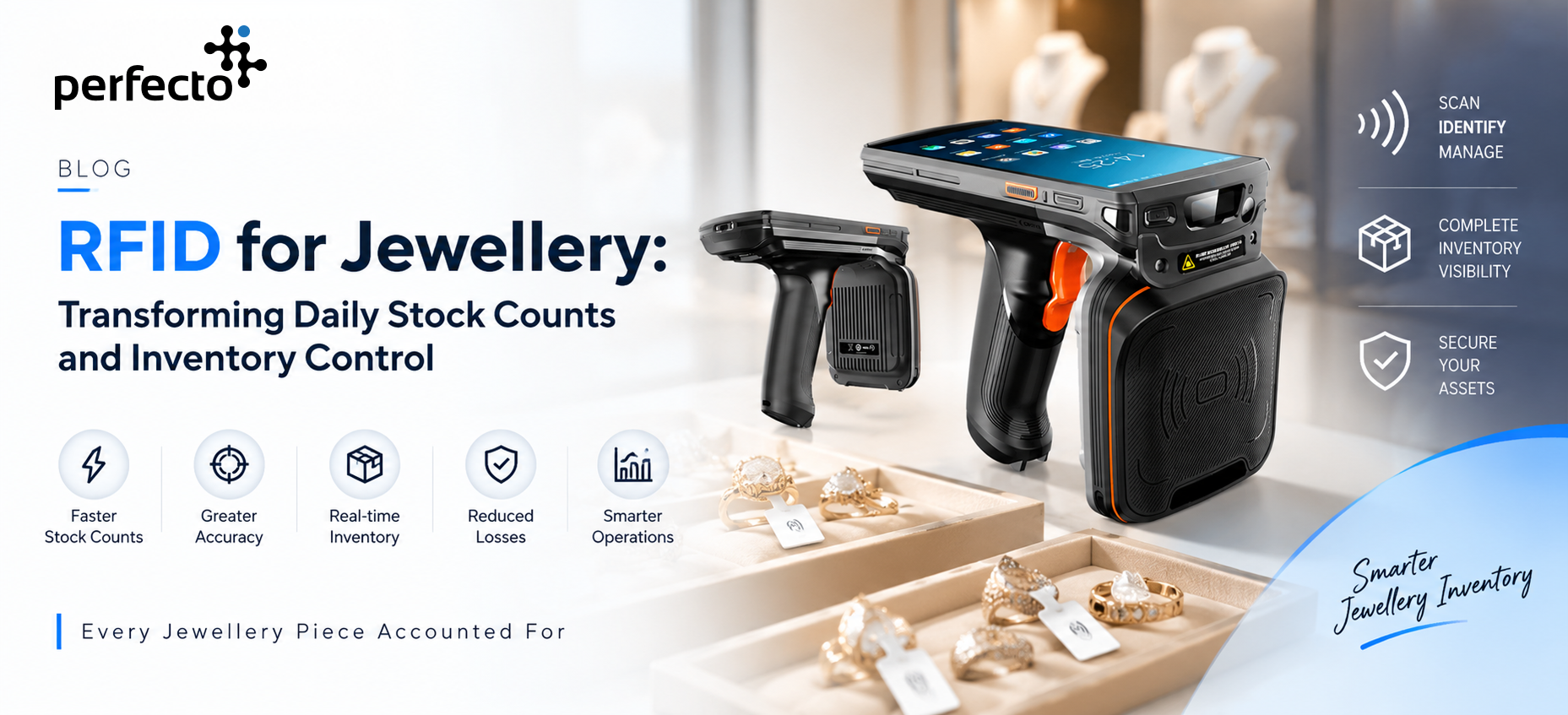
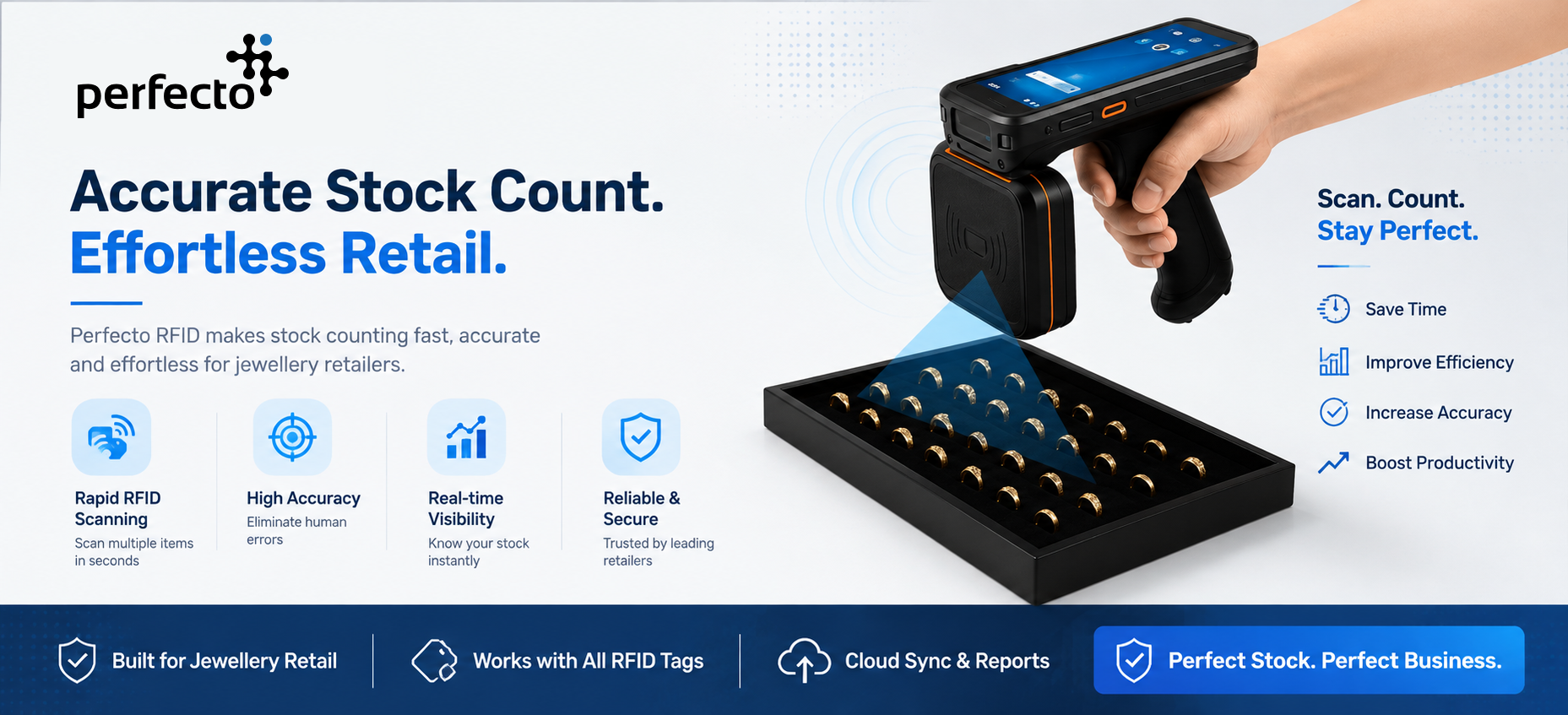
For jewellery retailers, inventory represents substantial capital. Learn how handheld readers like the PR Handy scan entire display showcases through glass without touching individual items.
Traditional stock counting requires employees to manually check individual items, scan barcodes one by one, or reconcile physical stock against the software system. This can consume valuable staff time and make frequent stock verification difficult.
Handheld RFID Technology Changes This Process Completely
By combining RFID-tagged jewellery, a handheld RFID reader, an Android-based Stock Audit application and integration with the jewellery management system, retailers can perform stock audits digitally and obtain real-time visibility into Matched, Not Found, Scanned and Extra stock.
From Manual Stock Counting to RFID-Based Stock Audits
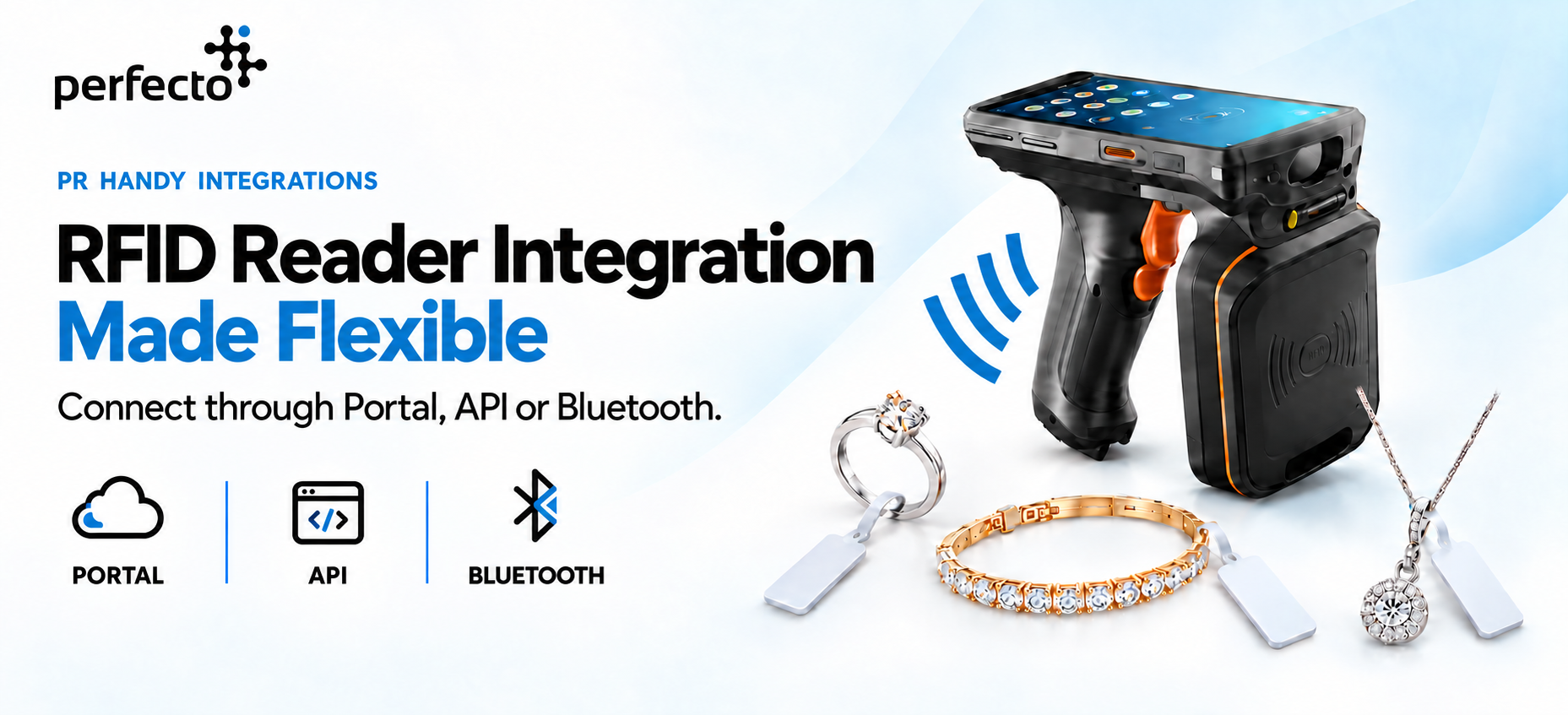
The handheld RFID reader combines RFID scanning capability with an inbuilt Android device. The Stock Audit application is installed directly on the device and communicates with the main software system through API integration.
Once connected, store employees can use a single handheld device to perform daily or periodic stock verification.
More importantly, stock counting does not have to be restricted to the end of the day. Audits can be performed multiple times during the day whenever required, providing management with much greater control over high-value jewellery inventory.
How the RFID Jewellery Stock Audit Process Works
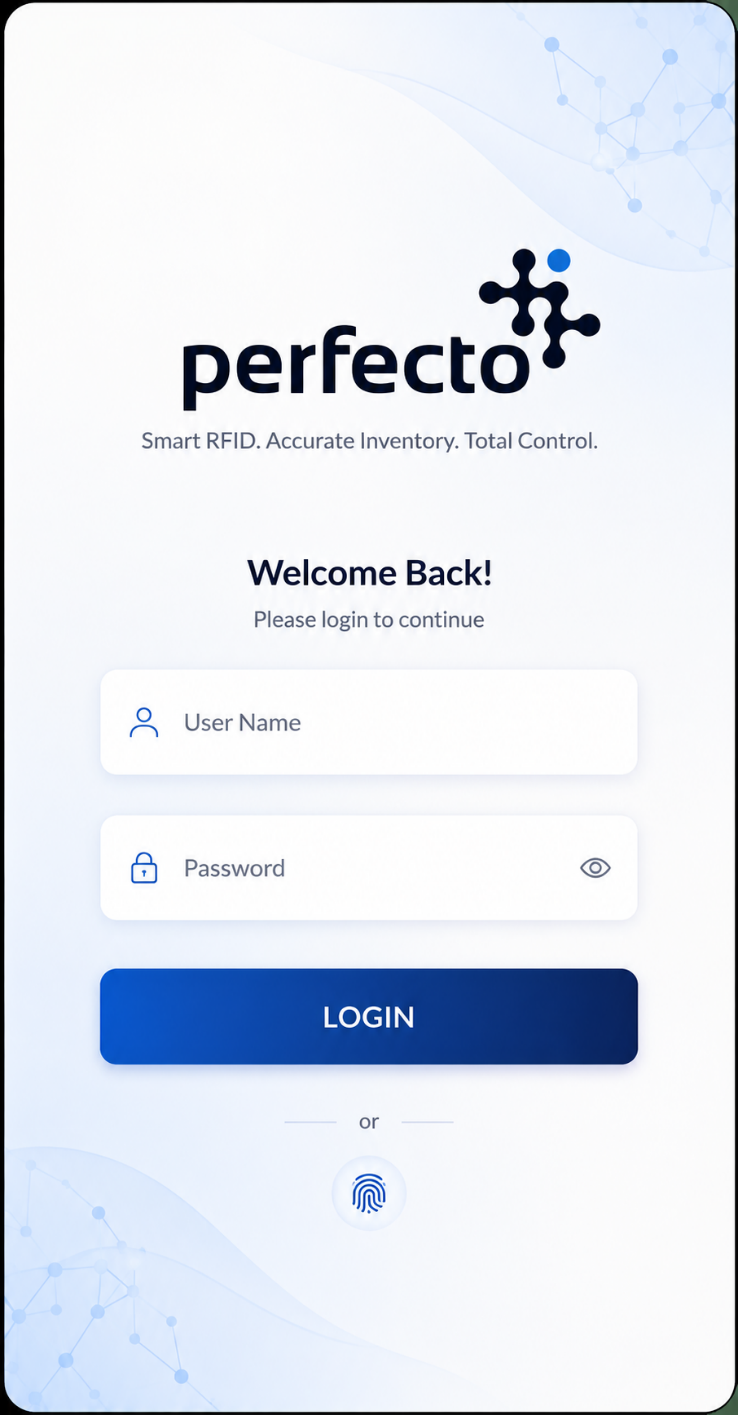
1. Secure Login
The process starts when an authorized employee signs in to the Stock Audit application.
The authentication process can support enterprise login mechanisms such as Okta or Microsoft Single Sign-On (SSO), helping organizations maintain controlled and secure access to inventory operations.
Once logged in, the user gets access to three important RFID functions:
- Stock Verify – Perform physical stock verification.
- View Product – Scan a tag and instantly retrieve jewellery information.
- Find Product – Locate a particular jewellery item physically using RFID.
These functions turn the handheld reader into much more than a stock-counting device.
2. Create a Unique Stock Audit Token
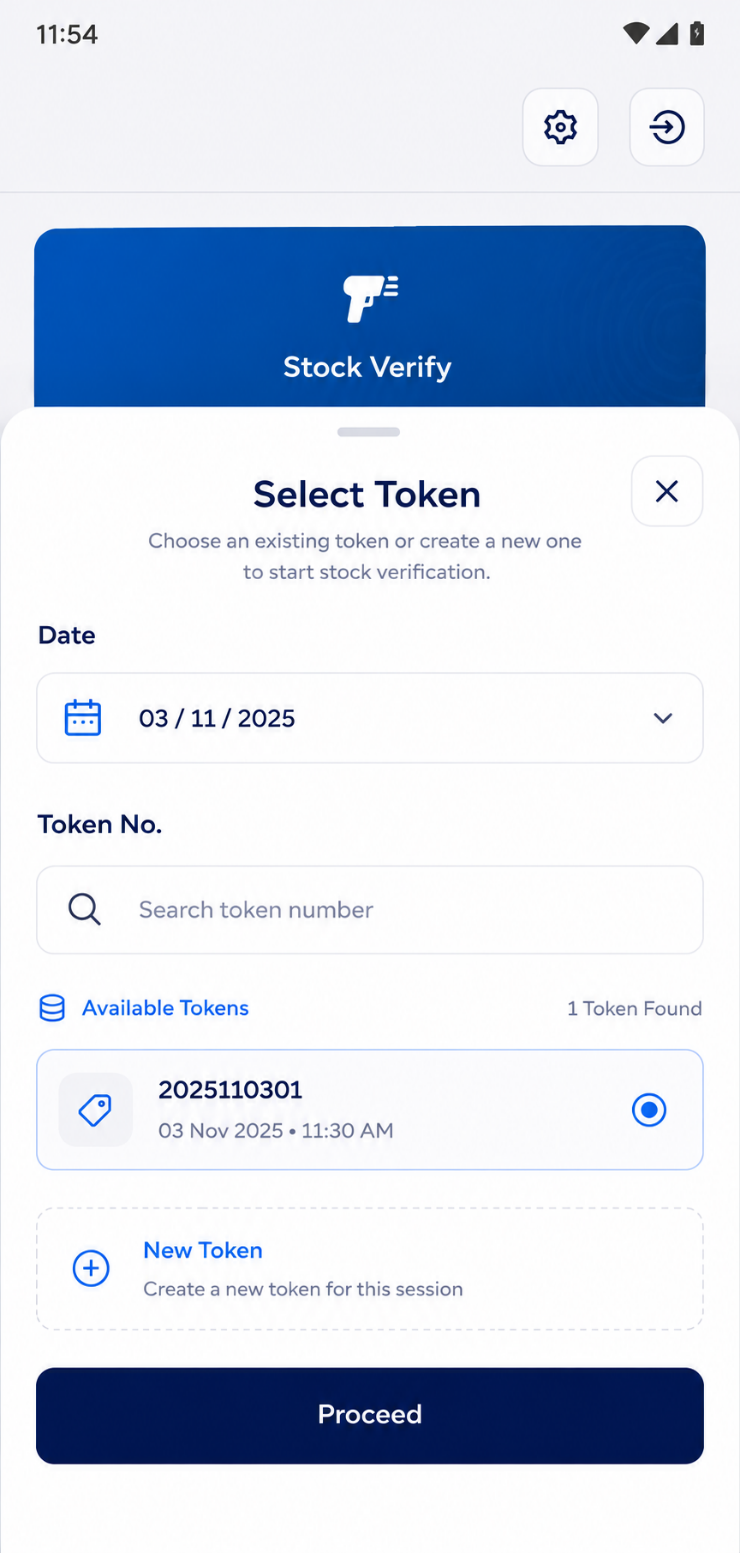
Before starting an audit, the employee selects an existing Token or creates a new one.
A token represents an individual stock-counting session. It records information such as the date and time of the audit, scanned items and users involved in performing the count.
This token-based approach provides an important operational advantage: every audit has its own digital history.
If an audit is interrupted, the employee can resume the existing token instead of starting again. Multiple RFID readers can also work with the same token, enabling multiple employees to participate in the same stock-counting exercise simultaneously.
For a large jewellery showroom or warehouse, this can make the physical verification process considerably more manageable.
3. Load the Expected Jewellery Inventory
When Stock Verification starts, the application retrieves the jewellery inventory assigned to the user's location—such as a store, warehouse or fulfilment centre.
The system therefore already knows what inventory is expected to be physically available at that particular location.
The employee can then compare the expected system inventory against what is actually detected by RFID.
4. Start RFID Scanning
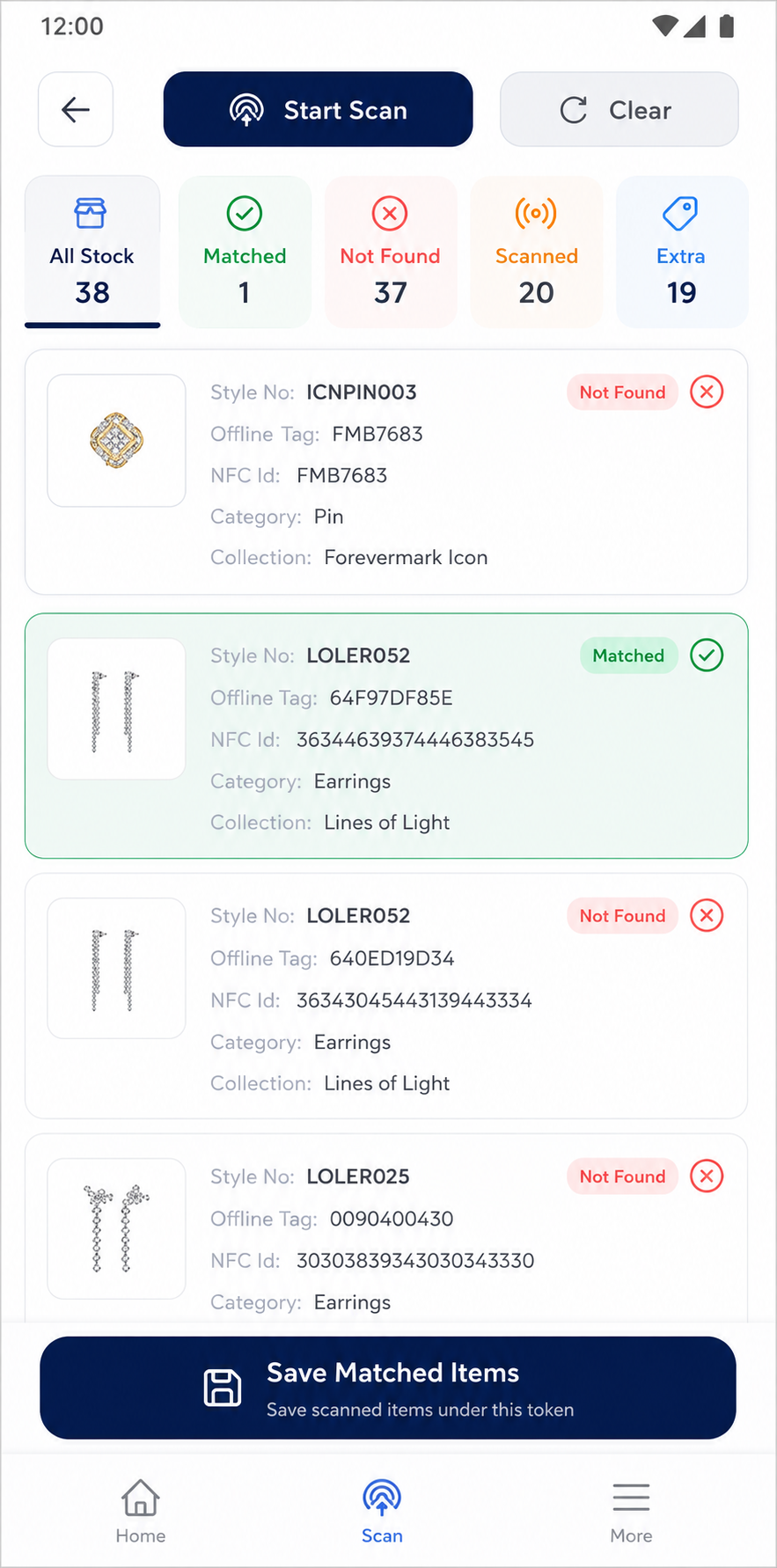
The employee taps Start Scan and moves the handheld RFID reader around jewellery trays, showcases, counters or other storage areas.
Instead of scanning each barcode individually, the RFID reader detects nearby RFID-tagged jewellery.
As scanning progresses, the application continuously updates important counters:
- All Stock represents the total inventory expected according to the software.
- Matched represents items physically scanned and successfully matched with the expected inventory.
- Not Found represents expected jewellery that has not yet been detected.
- Scanned represents the total RFID tags read during the audit.
- Extra represents scanned RFID tags that are not present in the expected system stock. These could potentially indicate misplaced items, unregistered jewellery or tags that are not properly assigned.
This gives employees a real-time picture of the stock reconciliation process instead of waiting until the entire count is finished.
5. Identify Stock Discrepancies Immediately
One of the biggest advantages of RFID-based stock verification is that the objective is not simply to count jewellery.
The system is actually reconciling physical inventory against digital inventory.
For example, imagine that the software shows:
- System Stock: 1,250 items
- Matched: 1,246
- Not Found: 4
- Extra: 2
Instead of manually comparing spreadsheets or lists, the store team immediately knows that four expected products require investigation and two scanned products do not match the expected stock data.
Once verification is completed, the matched results can be saved against the selected audit token. The same token can later be reopened to review or continue the audit.
RFID Can Do More Than Stock Counting
The handheld device can also become a useful tool for everyday jewellery store operations.
Instantly View Jewellery Information
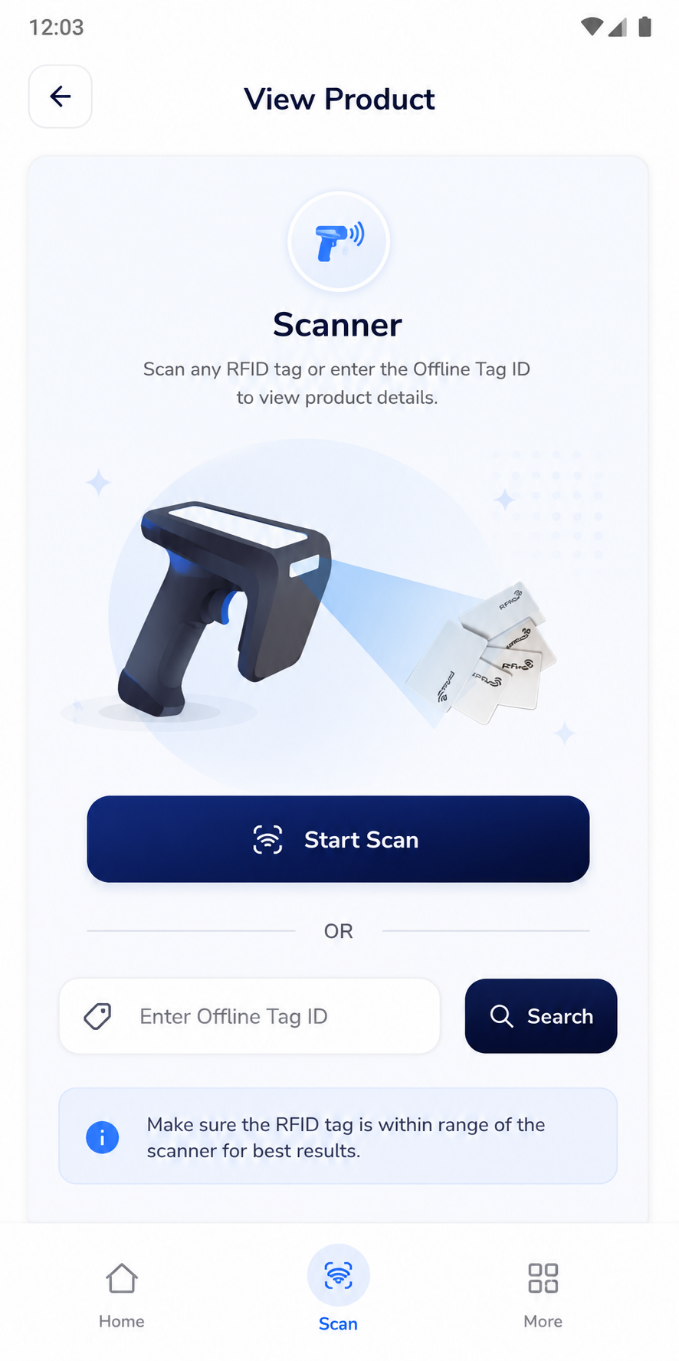
Employees can scan an RFID/NFC tag and immediately retrieve the corresponding product information.
The application can display details including:
- Product image
- Style number
- Category
- Collection
- Tag information
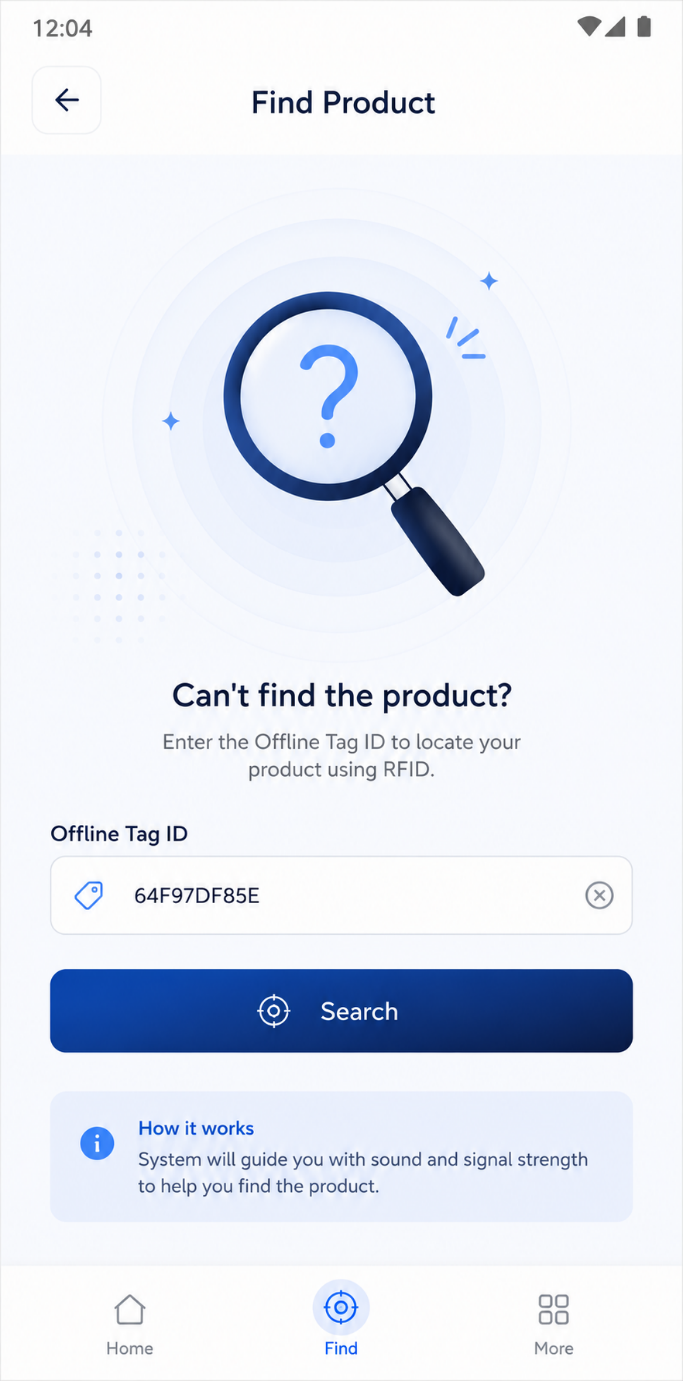
If scanning is not possible, employees can also search manually using the Offline Tag ID.
This can be particularly useful when store staff need to identify an unfamiliar item without returning to another computer or searching through the inventory manually.
Find a Specific Jewellery Item with RFID
Consider another common situation.
The inventory software shows that a particular diamond ring is available in the store— but the sales executive cannot find it.
It may have been placed in another tray, returned to the wrong counter or moved during a customer presentation.
Instead of searching manually, the employee can enter the product's unique Offline Tag ID and activate Find Product.
The handheld reader continuously searches nearby RFID tags. When it begins detecting the target item, the device provides an audible indication.
As the employee moves closer to the jewellery, the beep increases in frequency and volume, helping guide the employee toward its physical location.
This transforms RFID from a simple inventory-counting technology into a practical product-location tool for jewellery stores and warehouses.
Adjustable RFID Scanning Power
Different activities require different scanning distances.
During a large stock audit, employees may want the reader to detect many tags over a wider area. When locating one specific piece of jewellery, however, a shorter and more precise scanning range may be preferable.
The application therefore allows scanning power to be configured separately for:
- Stock Verification
- View Product
- Find Product
The documented configuration supports power levels from 0 to 33. Higher values provide a longer scanning range, while lower values allow more targeted scanning.
Management Gets a Complete Stock Audit Summary
The process does not end with the handheld device.
Audit results can be presented through a centralized Stock Audit Summary, allowing management to compare physical jewellery inventory against system inventory.
The dashboard can show:
- Total Items
- Found
- Not Found
It can also maintain multiple audit tokens for the same date and location, allowing management to review different stock-counting sessions.
Each audit record can contain its Token Number, Total Count, Found Count, Not Found Count, audit time and stock-match status.
Users can also change the date and location to review historical audits and drill down into individual stock records.
This creates a traceable history of stock verification rather than treating stock counting as an isolated manual activity.
Why RFID-Based Daily Stock Audits Matter for Jewellery Retail
For jewellery businesses, even a small inventory discrepancy can represent significant financial value.
An RFID-based stock audit process can help retailers move toward:
- Faster physical stock verification
- More frequent stock counting
- Real-time reconciliation
- Early identification of missing items
- Detection of unexpected or extra inventory
- Better accountability through token-based audit records
- Multi-user stock counting
- Faster product identification
- Easier location of misplaced jewellery
- Historical audit visibility across stores and locations
Most importantly, RFID makes daily stock verification operationally practical.
Instead of treating physical stock counting as a large periodic exercise, jewellery retailers can make it part of their regular store operations.
From RFID Hardware to a Connected Jewellery Inventory Ecosystem
The real power of RFID does not come from the reader alone. It comes from connecting the complete ecosystem:
- RFID Jewellery Tag
- Handheld RFID Reader
- Android Stock Audit App
- API
- Jewellery Inventory System
- Stock Audit Dashboard
With this connected approach, every physical scan becomes digital inventory information.
The store team gets a faster way to verify and locate jewellery, while management gains visibility into whether the jewellery recorded in the system is actually present at the expected location.
The Future of Jewellery Inventory Management Is Real-Time
Jewellery retail is becoming increasingly digital, but inventory control still depends heavily on what is physically present inside the showroom, warehouse and vault.
RFID bridges that gap between physical jewellery and digital inventory.
A handheld RFID solution can help transform stock audits from a time-consuming manual process into a faster, traceable and data-driven workflow—while also helping employees identify products, locate misplaced jewellery and maintain more accurate inventory records.
For modern jewellery retailers operating multiple counters, stores or warehouses, this creates the foundation for a more connected and controlled inventory operation.
Scan faster. Reconcile smarter. Find products quicker. Know your jewellery stock with greater visibility.